
Loftia is a cozy game centered on crafting and using resources found around you. From the very beginning, gathering materials and managing your battery charged by solar energy is essential. You’ll also connect with your little garden outside your house as you embark on exciting adventures with scrambled coordinates.
It’s easy to feel overwhelmed at first, especially with all the crafting and gathering required to progress. The game truly shines once you grasp the crafting mechanics and how to effectively utilize what you find along the way. Be careful not to hoard useless items, and prioritize gathering the right resources early on.
Before diving in, make sure to check your inventory for basic crafting items and familiarize yourself with the controls. Doing so will streamline your initial gathering and crafting efforts, making for a smoother start in Loftia.
To learn more about the game, check out the Steam page.
- Starting Out
- How To Grow Crops
- How To Cook
- Permits
- The First Sprout Quest Walkthrough
- Permission To Glide Quest Walkthrough
- Meet Ryder
- Adventure Awaits!
- Craft A Glider
Starting Out
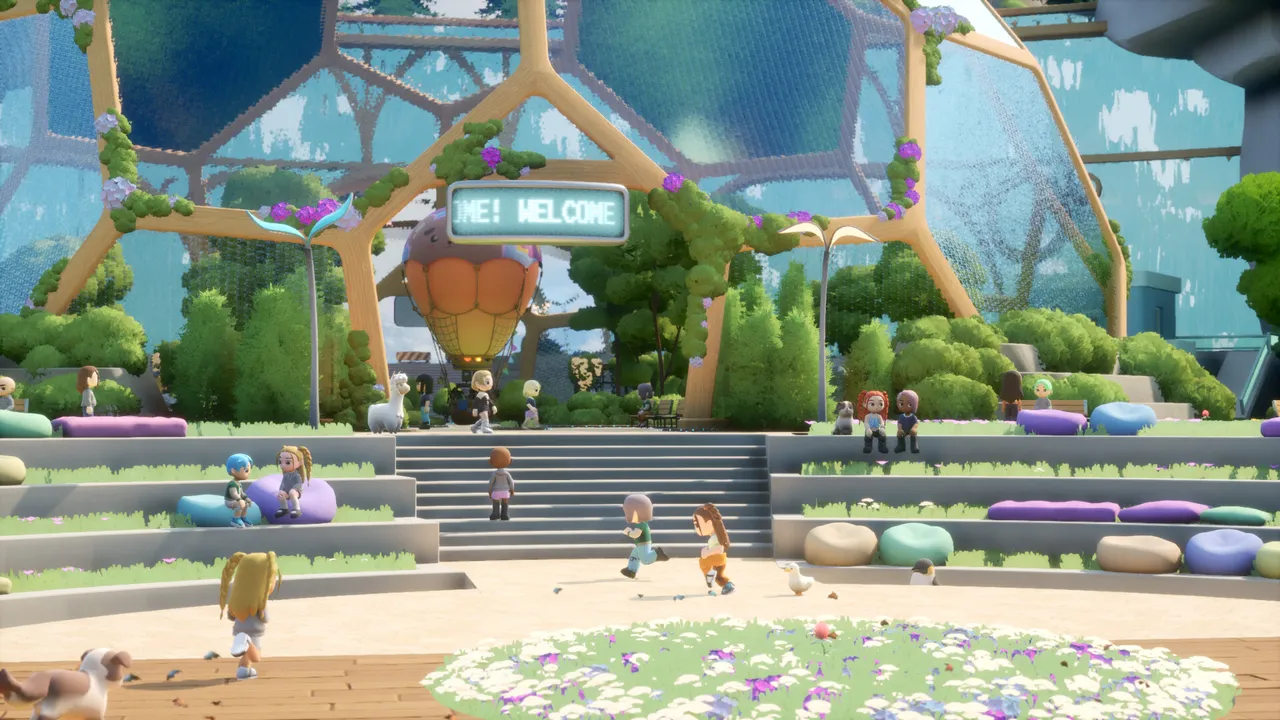
Your first task involves gathering five screws and plastic discards. These are often found scattered in the back alley that Milo directs you to. Keep an eye out for empty bottles for the scrap plastic and look for screws nestled in cardboard boxes.
Following that, you need to gather scrap wire and clay. Head straight to the construction site from Milo’s shop for clay, then venture northwest to the solar farm to collect scrap wire.
After collecting the needed materials, speak to Pebble. You’ll be guided to your neighborhood, where you can access your house by checking the name board outside.
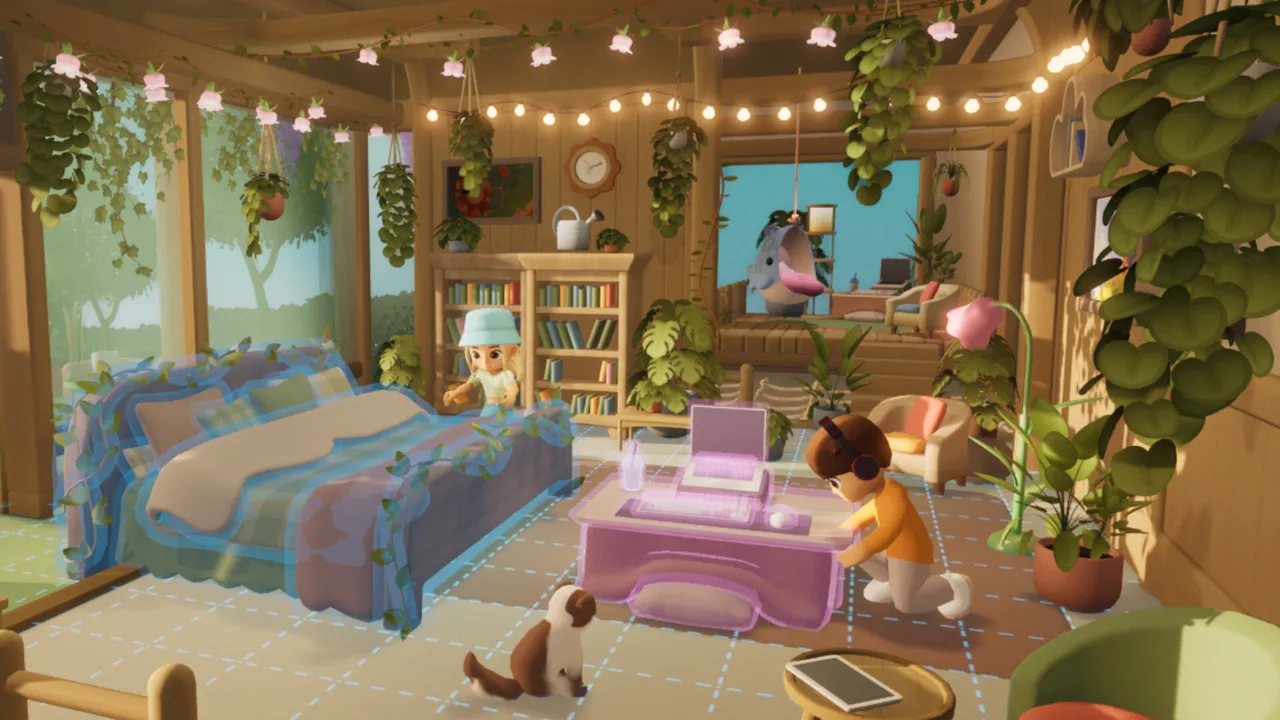
Once inside, switch to decoration mode to place the bed and project station. The project station is central to crafting, and you can recharge your provided battery at the solar panel outside your home. Remember, every crafting task you complete will deplete its charge.
Your crafting task involves creating a hammer with the screws and plastic discards you collected. This hammer lets you salvage resources from breakable objects. Be sure to clean around your house as you go; it makes the area feel more like home.
How To Grow Crops
Afterward, you’ll meet Hazel, who introduces you to gardening. She’ll provide you with some lettuce seeds. Place a garden bed on your farm and sow the seeds provided.
A watering can is essential for tending to your crops. Craft it at the project station using metal scraps, scrap wire, and clay.
Don’t forget to water your plants, as they take time to grow. Once fully developed, harvest them and place them in the shipping bin.
How To Cook
Next, Kun will instruct you to create and ship carrot soup. Start by planting carrot seeds in your garden. While those grow, work on crafting a cooking station.
Place the cooking station anywhere in your house. To prepare carrot soup, you’ll need two carrots.
Mix them by repeatedly pressing the stir button to maintain the spoon in the green zone. Finally, deliver two bowls of soup to the shipping bin.
Permits
Speak with Amani to discover more about permits, which allow you to expand your item limits for things like garden beds and energy stations. You’ll need to spend dew to purchase additional garden beds, as a few permits are currently locked.
You can fill your watering can at the town’s rain collector or craft your own at home.
The First Sprout Quest Walkthrough
Next, you’ll need to gather more clay and scrap wood, both available at the construction site. Look for old boxes to break for scrap wood.
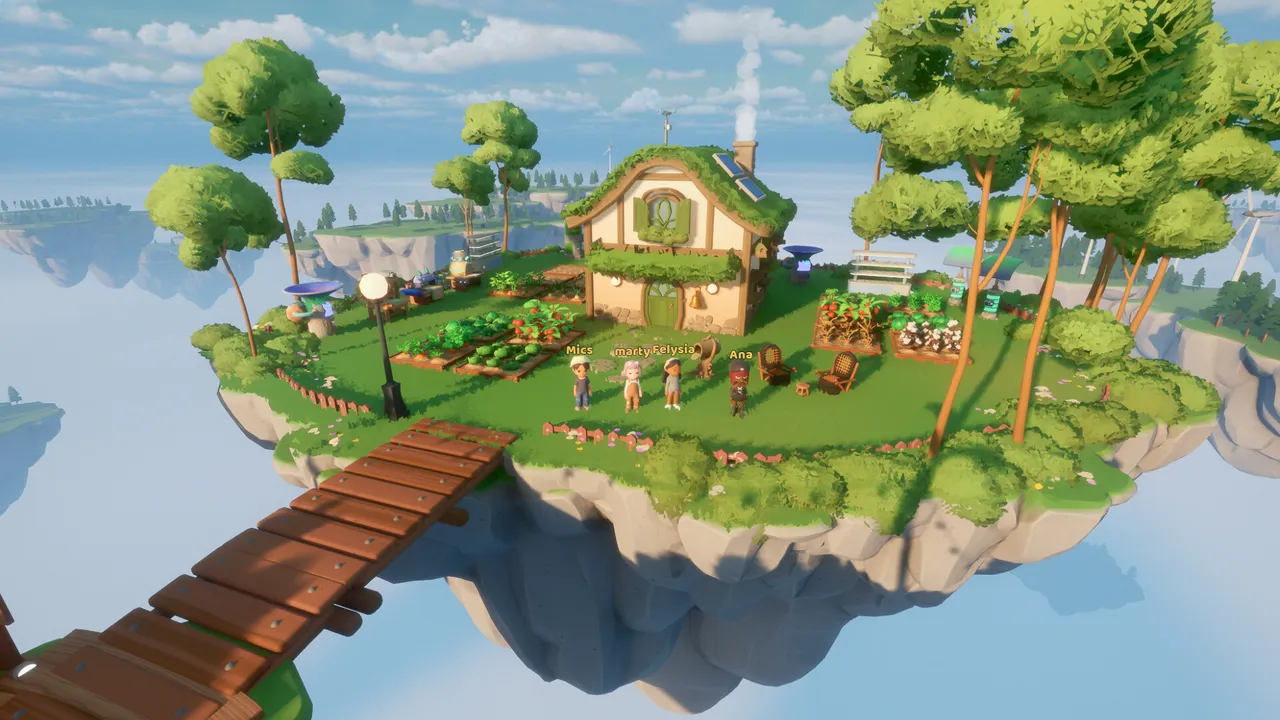
After collecting enough materials, return home to craft a second garden bed at the project station. Once placed, check in with Hazel and plant more seeds. Follow up by speaking to Amani in town.
Permission To Glide Quest Walkthrough
Initiate this quest by talking to Cliff. After that, speak with Milo, who will ask you to collect resources.
You already know where to get metal scraps and scrap wood. Tires can be found at the solar farm; just break the pile to find them.
Plant fibers can be gathered by pulling weeds at The Hill.
Next, you’ll want to create a refining station back in your neighborhood using the materials you just gathered. This station allows you to process raw materials into usable resources, like metal plates and planks. Once complete, return to Milo to move forward.
Meet Ryder
Make your way to the adventure dock to meet Ryder. He’ll inform you about scrambled coordinates that you need to collect, located throughout the city. Salvage resources around town to uncover them.
Check areas like the Solar Farm, Scrap Quarter, and Construction Site—each has one scrambled coordinate to discover. Meet Ryder again afterwards, and the adventure ship will be unlocked for you to explore Loftia further.
Adventure Awaits!
Hop into the adventure ship. You will receive various missions to complete within a time limit. Don’t stress if you can’t finish them all; it’s not a requirement.
Activate the beacons using your battery by interacting with them. They appear as giant towers.
Repair seismic sonars with your hammer, marked as mechanical devices surrounded by boxes. Completing these tasks grants you a bloom.
For the Gauntlet – On and On and On challenge, use the hammer on three switches. Inside, you’ll find a bloom that was previously hidden behind a barrier. Collect an item fragment as a reward for your efforts, which can contribute to unique clothing once you gather enough of them.
Craft A Glider
Afterward, speak to Cliff for the blueprint to craft a glider. To craft it, you’ll need to gather Glass Cullet by dismantling a microwave at the Solar Farm. Make Rubber and Straw in the refining station, and pick up ten tires and plant fibers before heading back.
Assemble the glider at the project station. To use it, press space again after jumping. Don’t forget to report back to Cliff for further instructions.
Thanks for checking out the first part of our Loftia walkthrough. Stay tuned for the next part for more tips and tricks!