
While Jason’s starting car in Grand Theft Auto VI does the job of getting you from one place to another, it’s not exactly eye-catching. If you want to upgrade to a more stylish or powerful ride, you can change your personal vehicle, but you’ll need to unlock the right missions first. Let’s walk through how to change your car, step by step, so you can hit the streets in style.
How to Change Your Personal Vehicle in Grand Theft Auto VI
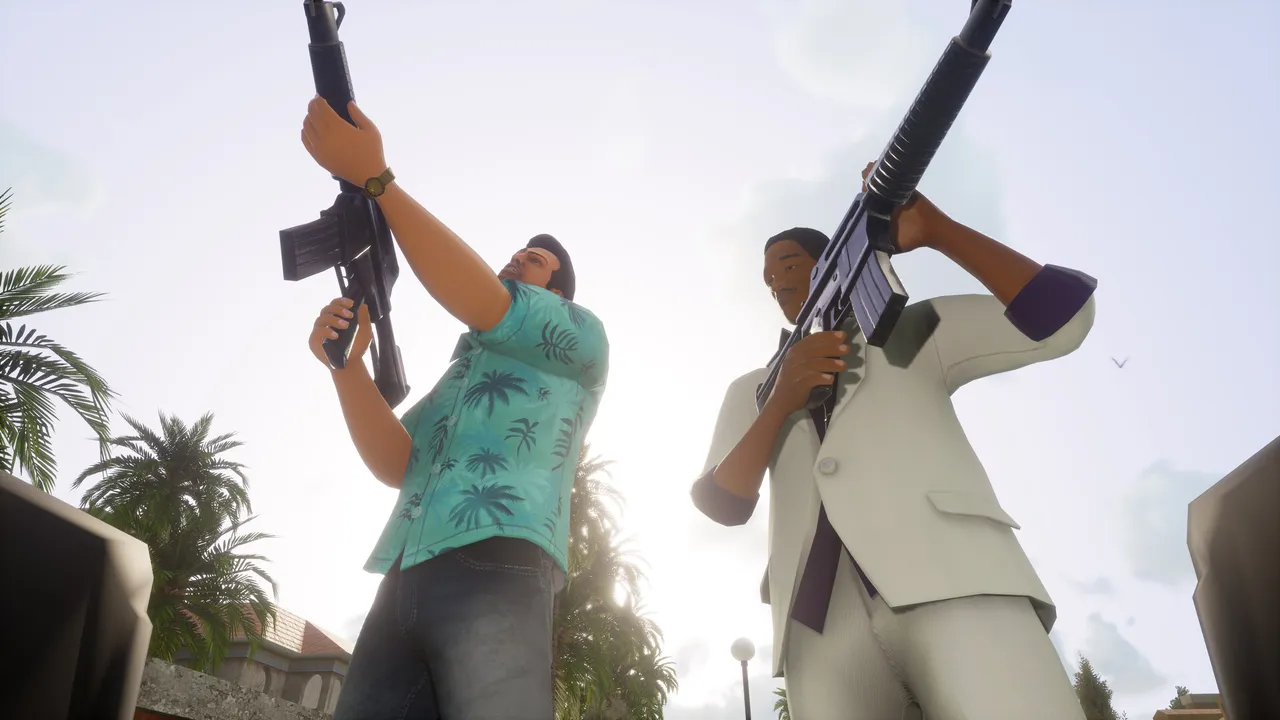
To change your designated car, you must progress significantly in Grand Theft Auto VI. Complete the Chapter 2 mission “Girl’s Night Out” first. This part of the story unlocks further customization options for your vehicles.
After finishing “Girl’s Night Out”, you’ll notice a new mission labeled “Moses” appear on your map. To initiate this tutorial, you need to steal a car (just steer clear of large trucks) and head to Moses’ garbage located in Port Gellhorn.
When you meet Moses, he’ll explain the process of respraying and registering your car as your personal vehicle. Initially, this will be free, and he’ll also hook you up with the Scooter Bros app, which is useful for managing multiple vehicles and summoning them wherever you are.
Keep in mind, however, that Moses has some restrictions. He won’t take certain types of vehicles, like large trucks, or any car with a tracker.
To check for a tracker, use your Waink app to scan the vehicle. If Moses is interested in a vehicle, the marker on your map for the garage will change.
As you progress further in the game, you’ll eventually be able to sell and register vehicles that do have trackers, but you’ll need to reach that point before it’s possible.